


A step-by-step guide to transferring your ISA to Moneybox
Transferring an ISA or Lifetime ISA to Moneybox is quick and easy. Once you’ve opened an ISA, you can start your transfer by going to Settings > Transfer in an existing ISA in the app or Home > View account > Transfer in an existing ISA on the web. Here’s an overview of what to expect:
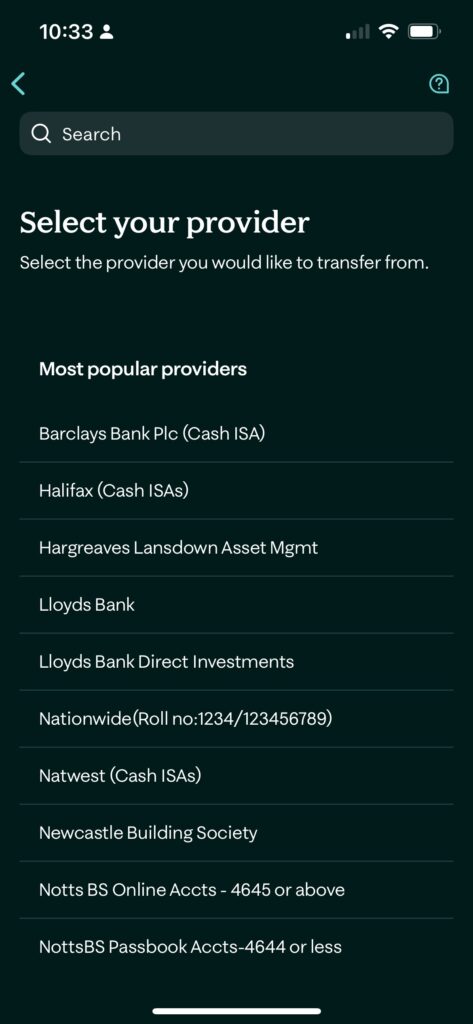
Once you’ve selected the Moneybox ISA or LISA you’d like to transfer your existing ISA into, you’ll be able to select your other provider and the ISA type you’re transferring from on the next screen. Please note that we’re able to process transfers from most ISA and Lifetime ISA providers. You can find more information on which providers are supported here.
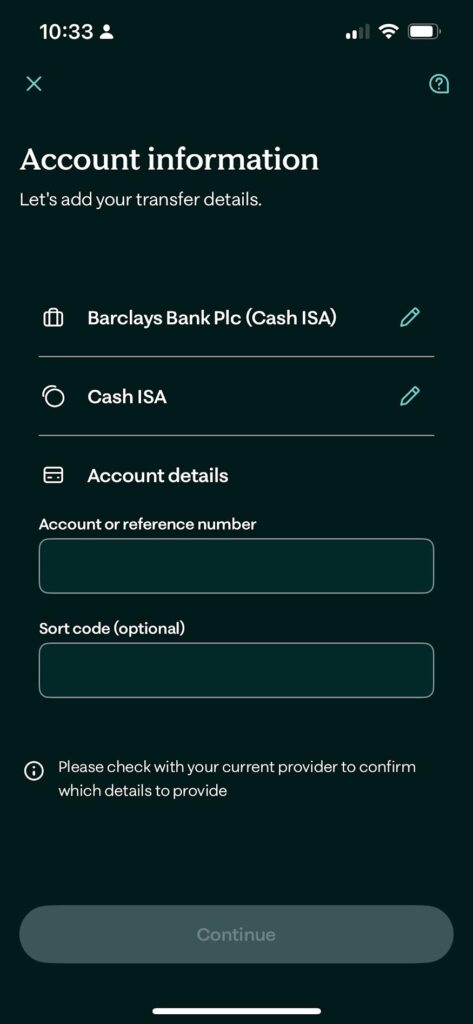
Then, enter the account details such as the roll number, sort code, and/or reference number of your other ISA. These account details vary from provider to provider, and you should be able to access them by requesting your ‘transfer out’ information from your other ISA provider. Please note that if the details don’t match or have been entered incorrectly or in an incorrect format, your other ISA provider may reject the ISA transfer being processed to your Moneybox ISA.
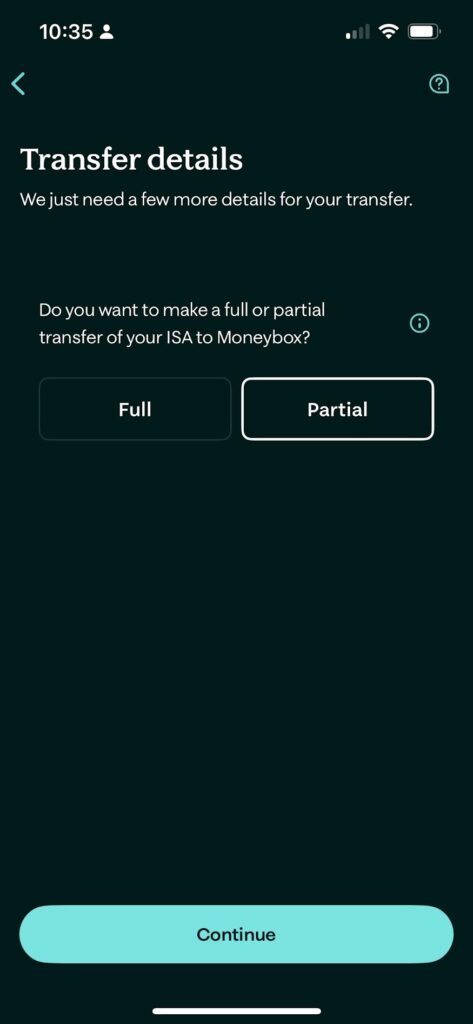
You’ll be able to select between a partial or full transfer in and enter the amount you want us to request from your other ISA provider.
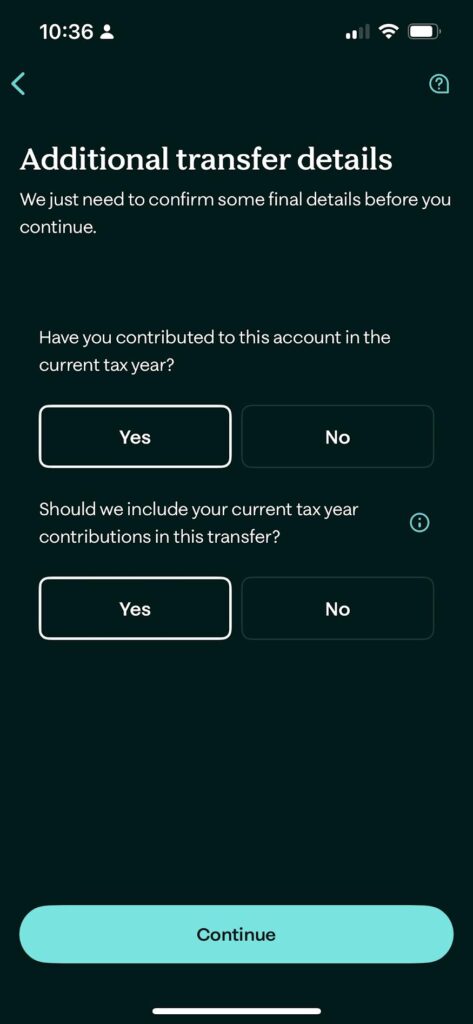
We will also need your ISA contributions for this and previous tax years, in line with HMRC guidelines. Please note that for ISA to LISA transfers, the subscription date of the transfer will be the date we receive the payment and documentation from your current provider.
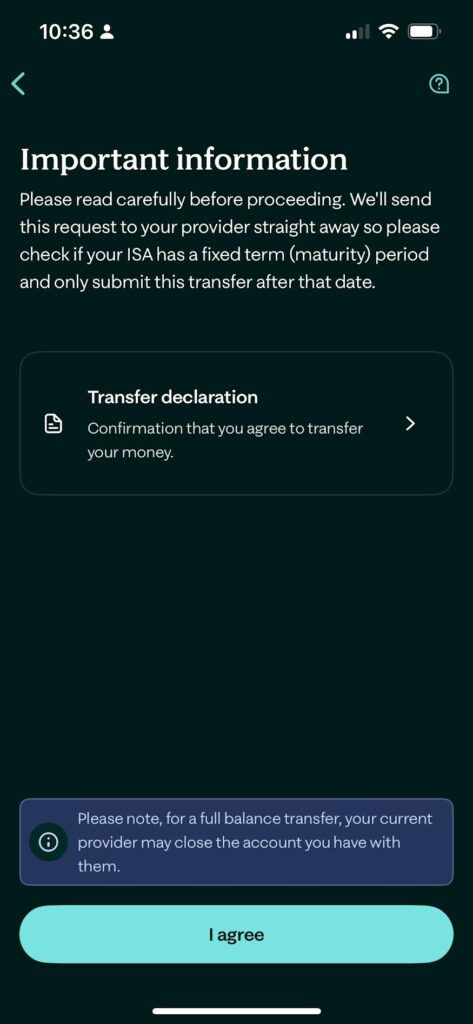
Once you’ve completed the above steps, we can start processing your transfer request. Most transfers typically complete within 30 calendar days, with Cash ISA transfers usually completing within 15 working days. You can track the progress of your transfer in the app by heading to Wealth > Select account > Activity, or Home > View account > Activity on the website.